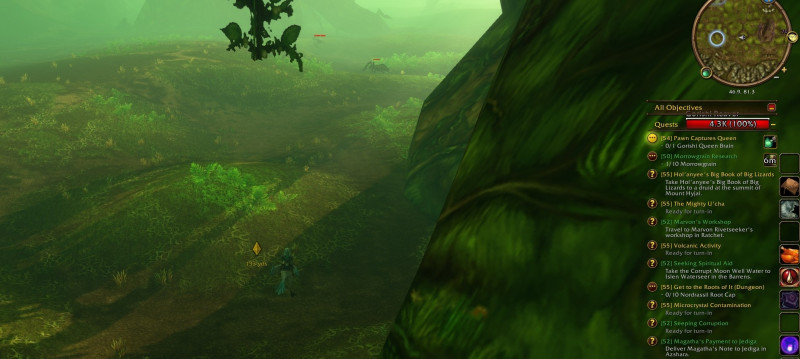
Turn On In-Game Quest Objective Markers for Easier Navigation in WoW: Forever
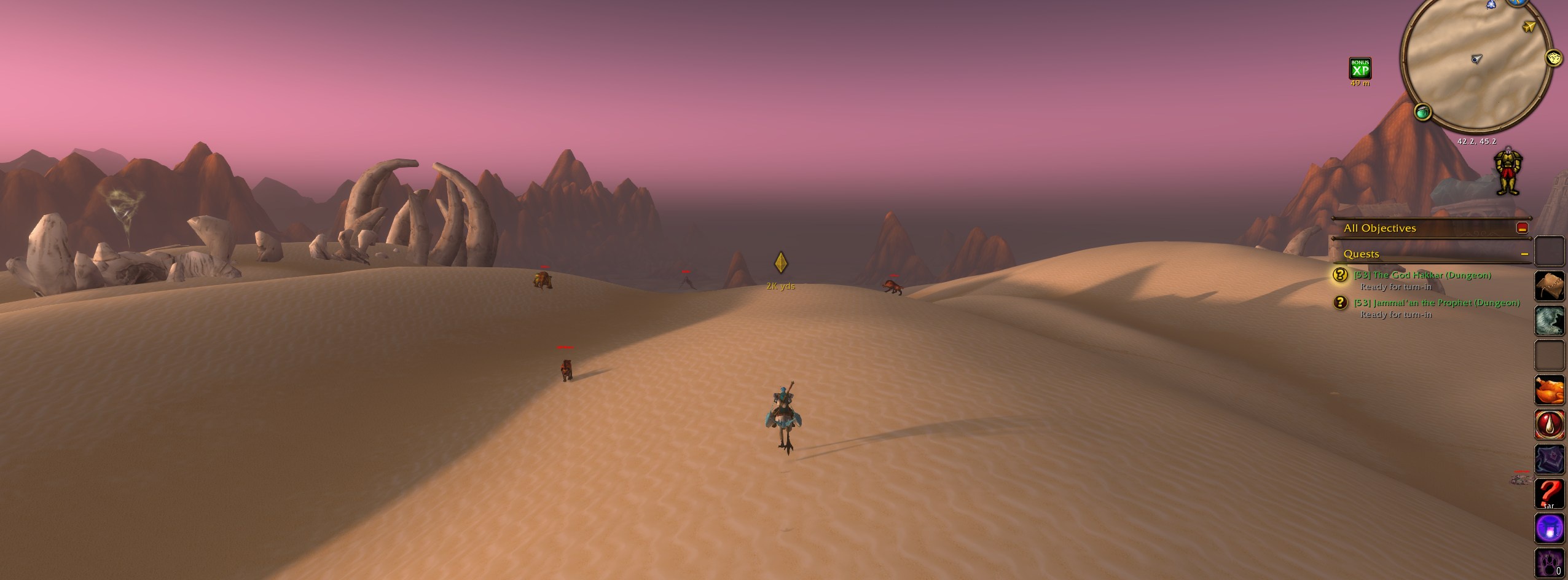
In-game quest objective markers are available in WoW: Forever, allowing for easier navigation without needing additional addons.
With WoW: Forever being built on the Retail client, the game has taken some questing system improvements from Retail. This includes quest objectives and areas now showing on the map, mobs indicating whether they are needed for a quest, and more. There is one feature available in the Retail client that players can enable: the in-game quest objective markers.
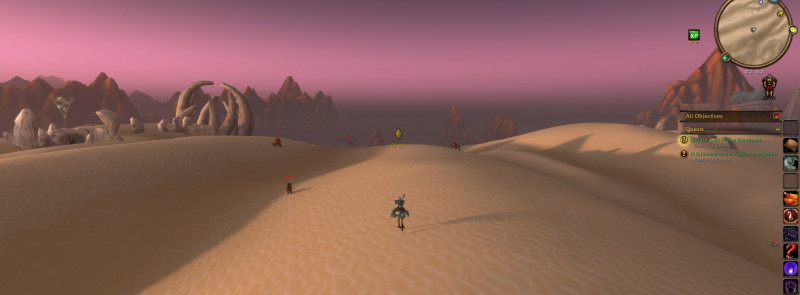
By typing the following command into the chat box, a yellow diamond will appear directly in the world for a selected quest:
/console showInGameNavigation 1
This yellow diamond marks your chosen quest objective directly in the world without opening your map or using an addon. If your chosen quest is ready to turn in, or you're on a quest with a specific location to go to, the in-game navigation can show you exactly where it is.

This feature is particularly useful when an objective is above or below you, as elevation isn't shown well on a 2D map. The yellow diamond will be located in the exact spot you need to go.