
Login failed
What happened
Your login didn't finish because you didn't share your World of Warcraft profile with Seramate — so we couldn't read your characters.
How to fix it
- 1
Open your Battle.net Connections.
account.battle.net/connections - 2
Remove "Seramate Production".

Find it in the list, then click Remove. - 3
Log back in — tick "World of Warcraft profile".
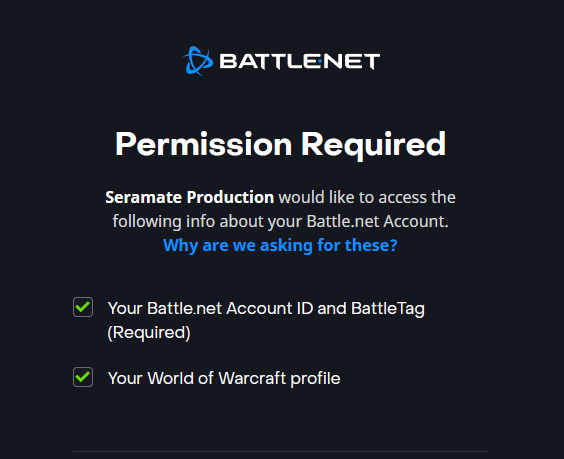
Make sure this box stays checked.
Takes you back to Blizzard's secure login.