A Guide to Hosting Your Own Mythic+ Keys in Group Finder
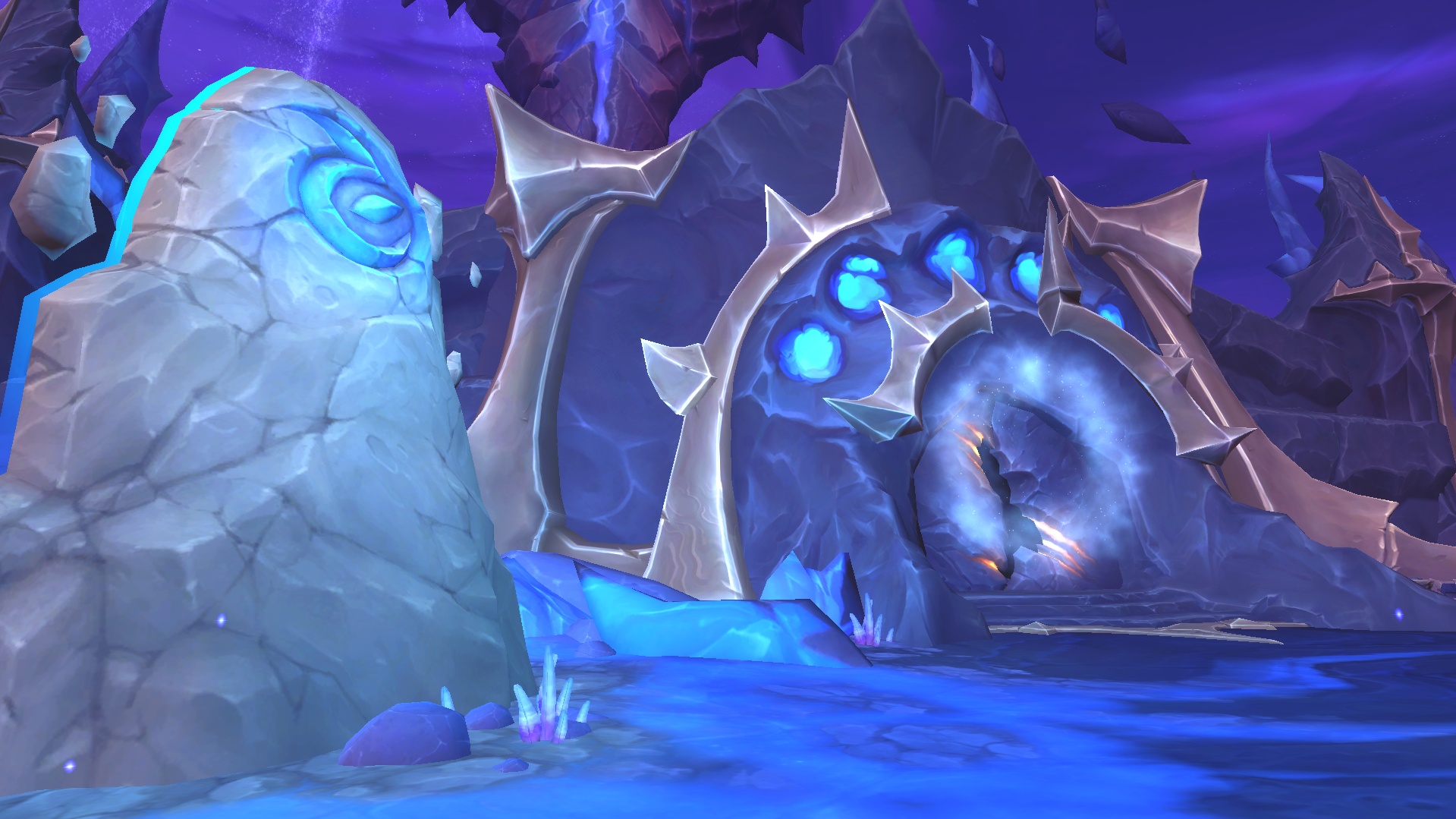
Midnight Season 1 is being called the easiest Mythic+ season ever, and a wave of first-time keystoners are jumping in — which means it's a great time to learn how to host your own groups. Running your own key puts you in control of who gets invited, and a few basics go a long way.
When building your group, aim for at least one Battle Resurrection (Death Knight, Druid, Paladin, Warlock) and one Bloodlust (Evoker, Hunter, Mage, Shaman). No access? Void-Touched Drums cover Bloodlust at 15% Haste instead of the usual 30%, and Emergency Soul Link covers a battle rez in a pinch. For item level, a +10 keystone generally wants applicants around 260–270. You can set minimum ilvl and Mythic+ rating filters directly in Group Finder to auto-deny anyone who doesn't qualify — slower fills, but cleaner groups. And don't sleep on that 275 ilvl Protection Warrior because they're not meta; at this key range, bring the player, not the spec.
To list your key, open Group Finder (I by default), go to Premade Groups → Dungeons, hit "Start a Group," fill in the keystone details, and post it. You hand-pick all five members — one tank, one healer, three DPS — and once the group is full, you're off.